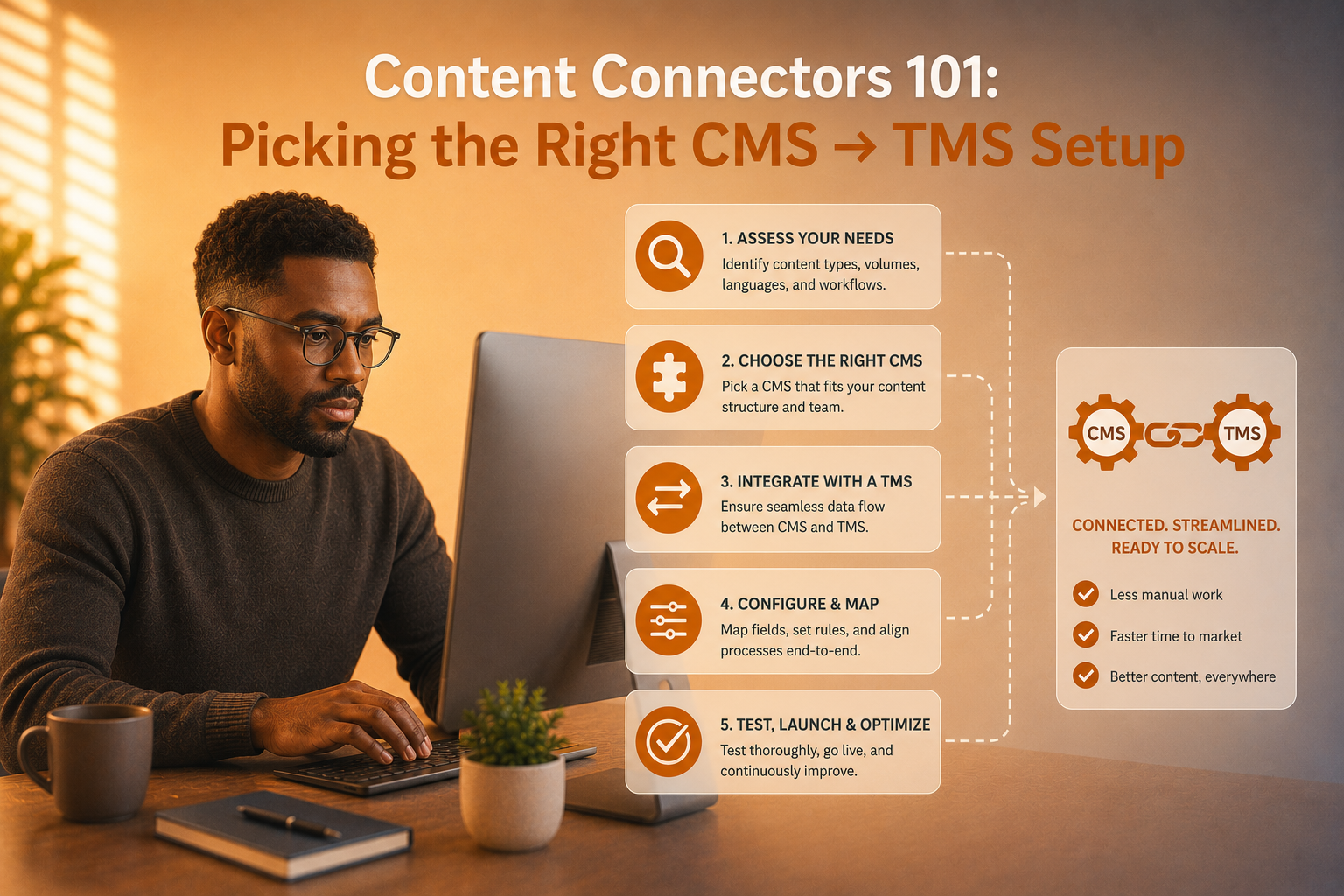
Content Connectors 101: Picking the Right CMS → TMS Setup
Many multilingual teams still rely on manual copy-paste for moving content between systems. It works, until volume increases.
Once content is moving regularly across markets, manual handling starts to create familiar problems: missed updates, version confusion, broken formatting, unclear audit trails, duplicated effort, and avoidable publishing risk. That’s why CMS → TMS connectors matter. They are not only about automation. They are about control.
A good connector setup helps teams move content faster and with fewer errors. A bad one adds technical complexity without solving the actual workflow problem.
Start with the workflow, not the connector
The best setup depends on how your content moves, how often it changes, and who needs to approve it.
Some organisations really do need a deeper API-led integration because content is high-volume, frequent, and tightly structured. Others are better served by a lighter plugin or connector model that removes manual transfer without overengineering the workflow. The mistake is to assume maturity always means maximum complexity.
A better question is: where does manual handling currently create risk, and what is the lightest setup that solves it?
Think about triggers and exceptions early
Content doesn’t always move through one clean path.
Some assets can be sent automatically once they hit a defined status. Others may need staging, design review, legal approval, or market-specific sign-off before they should enter translation. A practical connector setup accounts for that. It should support routine content flow while still allowing exceptions where needed.
Teams often run into trouble when they design for the ideal path only, then discover half their content doesn’t fit it.
Roles, permissions, and rollback matter
A connector is also an access model.
Who can send content? Who can approve it? What happens if translated content needs to be pulled back or corrected? Can teams see what version was sent, when, and by whom? Those questions matter just as much as the transfer mechanism itself.
Without clear permissions and rollback logic, a technically elegant setup can still create operational risk.
Manual copy-paste is more expensive than it looks
Manual workflows often survive because they don’t appear costly in a single project. But over time, the hidden cost grows.
Teams re-upload the wrong version. Translators receive stale content. Approved copy is overwritten. Audit trails disappear. PMs spend time confirming what moved and what did not. That is the kind of inefficiency that rarely appears on a budget line, but weakens speed and confidence across the whole content operation.
Common setups by environment
For some teams, a WordPress plugin and staged publishing flow may be enough. For others using Sitecore or Contentful, the right answer may involve more structured automation and tighter governance around content states, roles, and publishing rules.
The right connector is not the one with the longest feature list. It is the one that fits the way your content actually behaves.
Aim for a minimal viable setup
At One Global, we often find the most effective recommendation is not “connect everything.” It is “connect the right content first.”
Start with the content types that are frequent, structured, and painful to manage manually. Make sure the handoff is secure, visible, and reversible. Then expand from there once the workflow is proven.
That approach usually gives teams faster value, lower risk, and a clearer view of where deeper integration is truly worth it.
If you’re reviewing your CMS and TMS workflow, contact us at info@one-global.com to cut manual handling, reduce publishing risk, and put a cleaner connector setup in place without adding unnecessary technical complexity.